BitDesk
A browser-based bitmap tool that turns basic images into functional, glitchy, retro assets.
UI/UX Design
Visual Design

Role
Solo Product Designer & Developer
Timeline
~12 hours
Tools


Overview
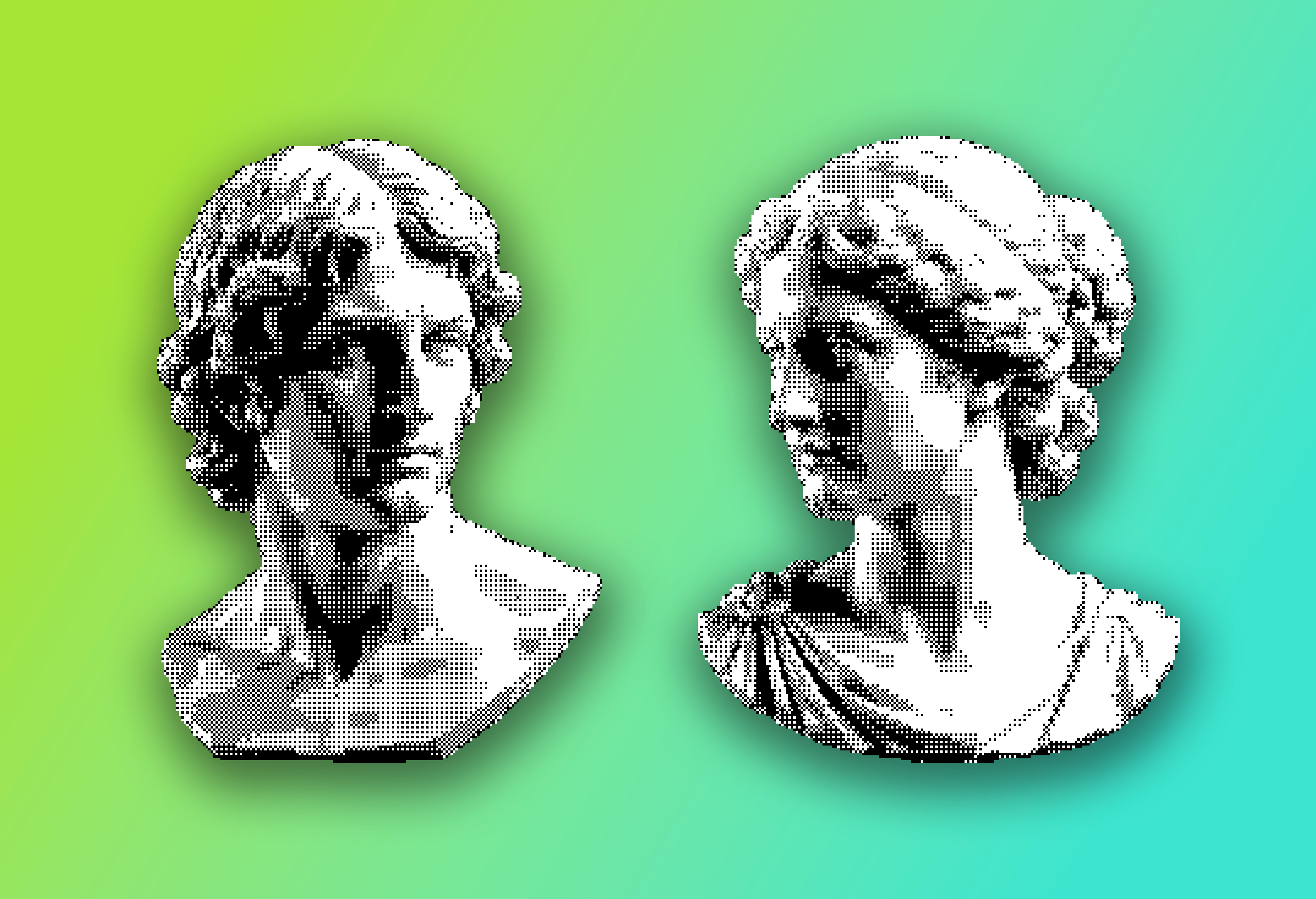
Dithering exists to trick the eye. In the 1970s and 80s, when screens could only manage a handful of colors, these algorithms scattered pixels in careful patterns so the eye would blend them into shades that weren't really there. When it works well, it goes unnoticed, which is the entire point. But I've always enjoyed being experimental and destructive for the sake of creating something new. BitDesk is a dithering studio for making glitchy, retro art out of ordinary images.
What started as a tool I wanted to build for myself quickly turned into something anyone can use. The more I told friends about the project, the more interested they became, and the more their opinions turned into informal research. BitDesk might be the most "me" thing I've designed so far, and I'm really proud to have carried a personal obsession all the way through to the finish line.
Challenge
I knew the problem from firsthand experience. I love the effects these algorithms can produce when pushed to their limits, but getting there was a pain. The process meant exporting images one by one under legacy settings, examining each, and deciding what to keep. Fun at first, but it isn't scaleable, and quickly becomes a burden. That realization inspired the core purpose of BitDesk, a tool where results appear in real time, and batch processing and exporting to the file type you need are simple.
Code for this kind of tool is a known space. The algorithms have been published for decades, so with the help of Claude Code and a little research, I always had a clear path to whatever I decided to build. The real challenge was understanding the "market" and making informed decisions about what BitDesk should actually become. Every feature had to justify itself and remain easy to use.
Research
There were two areas of focus for my research.
One was implementation: learning which algorithms existed, getting a feel for their differences, and figuring out what it would take to support them alongside all the other configurations and export settings.
The other was understanding my user base; what people actually wanted out of a tool like this, and what would keep them coming back.
The user side started with one question, how useful could this be to other people? I ran some casual research with my circle of graphic designers and artists, showing them the project as it took shape and asking what they'd use it for, and the discoveries kept surprising me. One friend saw it as a way to prep single color screen printing designs, using dithering as a stylistic alternative to halftone, an angle I hadn't considered. Another wanted it for music event flyers. People got noticeably excited when I mentioned SVG output, and the desire for animated GIFs was louder than I expected.
What users didn't want turned out to be just as revealing. Background removal was a feature I wanted for myself, but no one else ever mentioned. Existing tools already do it better than I could in this scope, and it's easy enough to pull a background off an image before importing it. So I took the hint, kept that part of the app simple, and put my energy into the features with real demand.
Presets are the clearest example of how the research and iteration loop ensured I was solving the right problems. When people tried the half-baked app, they told me it was easy to understand but they faced decision paralysis. With so many options, they didn't know where to start. They wanted something to get them inspired, so I built hand-curated presets. Almost immediately, they asked if they could set up their own, so coming back to a style they configured and loved would be easy. Custom presets made it in shortly after.
These conversations helped shape meaningful decisions. They taught me to see the application from my audience's perspective, and to keep their needs in mind, not just my own.
Solution
Several classic dithering algorithms, error diffusion and ordered, applied live so their differences are visible side by side
Hand-crafted presets and color palettes, so beginners start from curated looks while deeper settings stay one layer down, plus custom presets for saving your own styles
Animated GIF and video input alongside stills
Batch processing that runs a whole filmstrip through identical effects, for building consistent asset libraries in one pass
Export to PNG, true vector SVG, or animated GIF, individually or as a batch ZIP
Behind every feature on that list sits a longer story, full of intentional cuts, tradeoffs, and small implementation details, all in service of keeping the tool simple to use. The feature list is really a list of decisions that survived.
Outcome
BitDesk shipped in July 2026 and is live now. Real usage data is still arriving, but I'm watching three things: how many people try it, what they make and share with it, and which missing feature gets requested most, because that decides what I build next. My own vote is animated SVG or even Lottie support, since currently SVGs can only export as static images. I'll update this section as the numbers come in.
With that said, it's already doing its first job well! The decorative graphics on this very page were made with BitDesk, and it's now part of my own workflow for socials. Speaking of socials, the early feedback I've been getting from friends and connections has been really positive. Hearing people call out specific features, or just how easy it is to use, is the best confirmation I could ask for.

The build itself was a great learning experience too. Claude Code collapsed the engineering time and made it easier to focus on building the right thing. Talking to real humans first shaped decisions I would have missed on my own. In the end, the product came down to good old UX thinking.